

What happens when a customer approves
See what an approval creates, fix a step that failed, and turn an approved estimate into a job or an invoice.
When a customer approves an estimate, ShopWrk does what you chose under On approval when you built it.
You need Convert to job to book the job or retry a failed step, and Create invoices to make an invoice. Owners and Admins have both. Technicians don't, unless you add them.
What approval creates
- Do nothing. The customer doesn't get an invoice.
- Full invoice. ShopWrk creates an invoice for the option they approved.
- Deposit. ShopWrk creates an invoice, and the customer pays the deposit as they approve.
The invoice stays a draft until you send it from Invoices. If Send automatically is on, ShopWrk sends it the moment they approve. Its due date counts from the day they approve. Unless you picked one, it uses your shop's Payment terms, which start at 30 days.
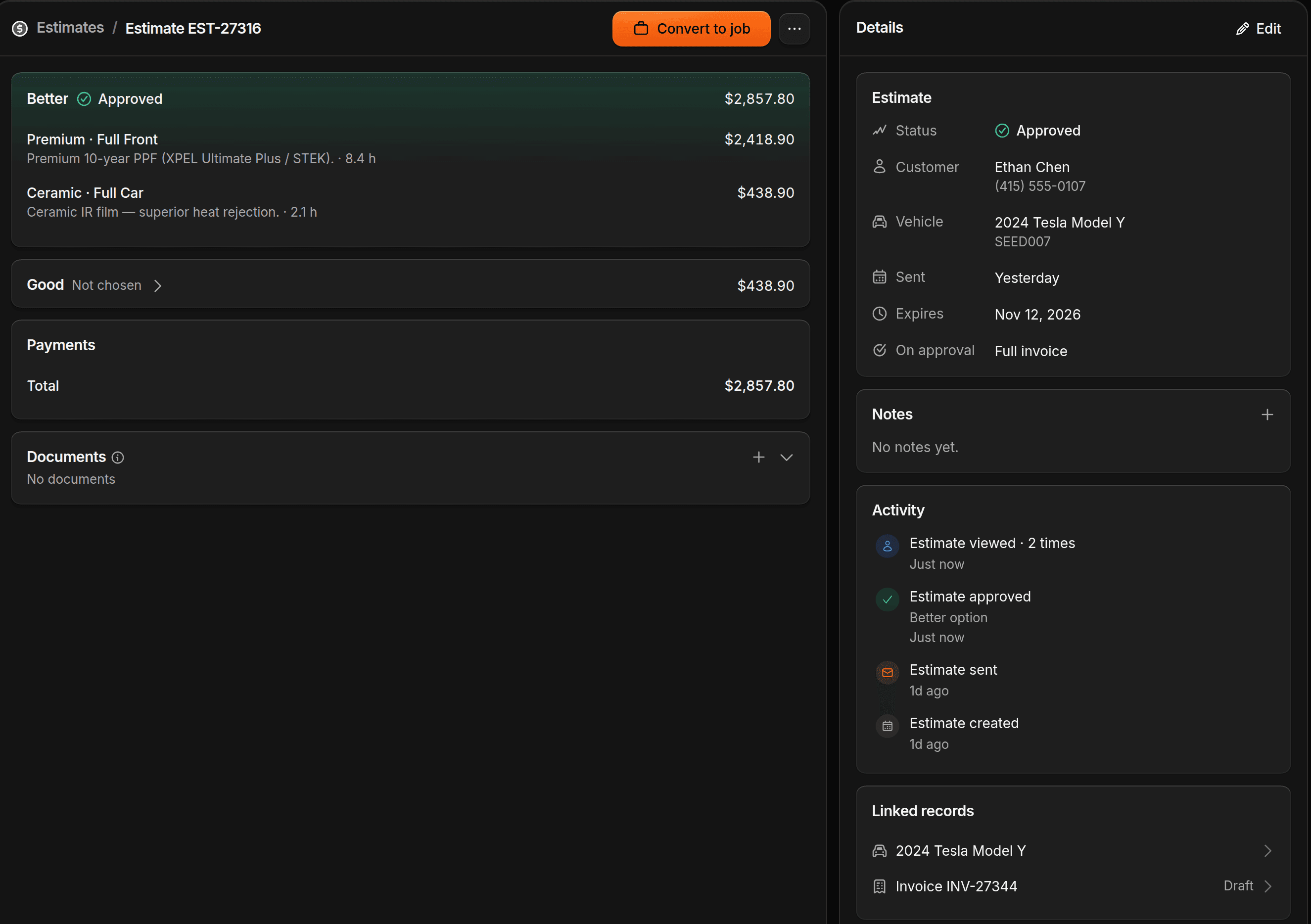
If Create unscheduled job on approval is on, approval also creates a job with no date. The job gets its own draft invoice, even with Do nothing. Schedule it from the job page or the calendar.
You can change On approval until the customer responds. On an estimate you've already sent, switching to or from Deposit asks the customer to approve again.
If a step fails
The Payments card on the estimate shows what happened after approval. If the invoice didn't send, or the job wasn't created, click Retry failed actions. It finishes the missing step. It won't make a second invoice or job.
If the card says Payment link not sent, the estimate had no email or text to send to. Open the invoice and send it yourself.
Turn it into a job
On an approved estimate, click Convert to job. Pick the date, time, technician, and bay, or leave the date blank to schedule later. Then click Convert to Job.
The job opens with the work the customer chose. This works after the estimate expires too.
Make an invoice from an estimate
Click ⋯, then Create invoice. If the estimate has more than one option and the customer hasn't picked one, choose one first. Add-ons the customer didn't pick stay off.
From an approved estimate, this also creates the job, with no date. If the customer hasn't approved, ShopWrk asks you to confirm first.